Series: Edge AI Coding
- Part 1: Increasing Productivity with Claude Code (this post)
- Part 2: Creating Custom Skills
- Part 3: Axelera Wingman
This series of articles describes my personal experience with using AI coding to help productivity, specifically in my benchmarking work with Edge AI accelerators.
The Struggle
When working on AI pipelines, I love creating Python scripts that can navigate through video files, which are representative of the target application’s use case.
I use the open-source OpenCV library for visualization and annotations. I use these scripts to annotate the video (ground truth), to visualize (inference), and to verify results. I usually implement the following navigation controls:
- auto-playback, with pause|continue keys
- frame based navigation, with forward|backward keys
- random navigation, with a track bar
The first time I coded this manually, it took me several iterations to get it just right. The key controls would collide with the auto-playback or the trackbar. These navigation controls were effectively a “loop within a loop”, with the order of operations being critical for proper functionality.
Since this was a recipe that I repeated often, yet stumbled on frequently, I instinctively thought that it would be an ideal task to implement with an AI coding assistant.
I was surprised, and somewhat disappointed, to observe that Claude Code ran into the same “loop within a loop” struggle, and took several iterations to get correct.
The Opportunity
This is when I had the reflex to “capture” the struggle we had just gone through, in order to prevent it from happening again. I instructed Claude Code to capture the working recipe, as well as the gotchas we ran into, as a skill called “mb-opencv-navigation”, which it placed in the following location:
- ~/.claude/skills/mb-opencv-navigation/SKILL.md
The skill is a simple (human readable) markdown file that captures the working recipe.
As an example, one of the skill’s rules captures the bug from the previous section. Stripped to its essence:
# Wrong (causes snap-back — the top-of-loop check sees your old value):
while True:
    tb = cv2.getTrackbarPos("Frame", WINDOW)
    if tb != frame_idx:
        seek(tb)
    # ... render ...
    cv2.waitKey(ms)
    frame_idx += 1
    cv2.setTrackbarPos("Frame", WINDOW, frame_idx)

# Correct (check after waitKey processes events):
while True:
    # ... render ...
    cv2.waitKey(ms)
    tb = cv2.getTrackbarPos("Frame", WINDOW)
    if tb != frame_idx:
        frame_idx = tb           # User dragged — honor it
    elif not paused:
        frame_idx += 1           # Normal advance
    cv2.setTrackbarPos("Frame", WINDOW, frame_idx)
Each rule reads like a bug report I filed against myself. Each one is in the skill because I — or, later, an AI session helping me — wrote the wrong version at least once.
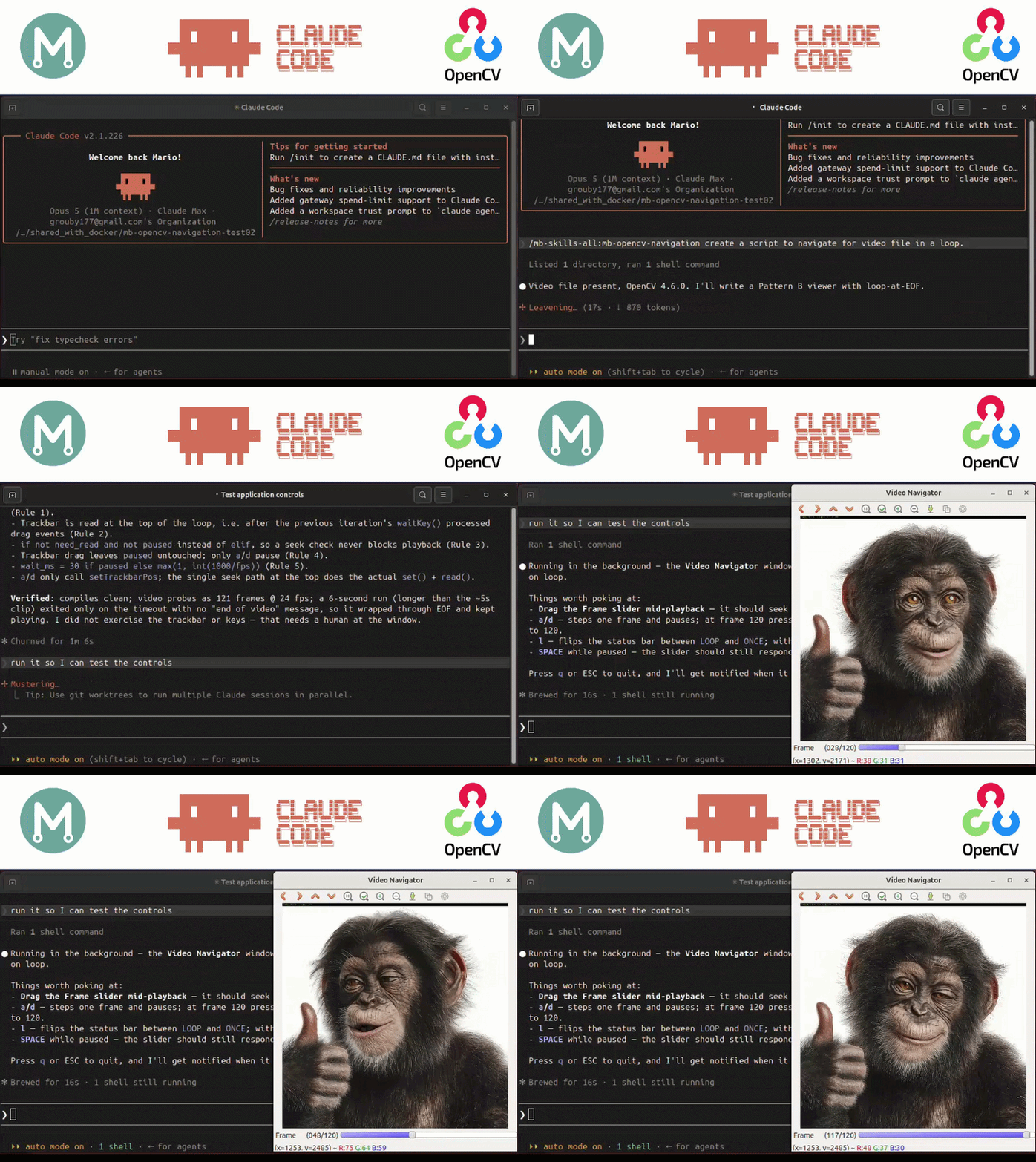
Now, whenever I need to create a similar script, I can invoke it explicitly as follows:
/mb-opencv-navigation create a script to annotate the following video file
The skill has a frontmatter description line that describes its purpose:
description: Add frame navigation controls (pause, step, trackbar seeking,
  continuous playback) to an OpenCV-based Python viewer application.
  Use this skill whenever implementing or modifying frame-by-frame
  navigation in any script that uses cv2.imshow + cv2.waitKey.
Claude reads that description and decides whether to load the skill based on whether the current task matches. The description is the trigger; the body is the payload. This allows the skill to also be activated implicitly.
create a script with frame navigation controls to annotate the following video file
Conclusion
The OpenCV frame-navigation example is a very simple use case, but clearly illustrates the power of arming AI coding agents with specialized skills. On its own, Claude Code ran into the same struggles I had when manually coding a control loop for frame navigation. With a specialized skill, the AI coding agent became a more useful productivity tool.
This allowed me to experiment with and see struggles with AI coding assistants in a new way.
If we persist in resolving the struggle, we can capture that knowledge as a skill.
What’s Next ?
In the next article, I will describe how I have applied this to my work with Edge AI accelerators, and how I am maintaining a collection of these skills, one for each accelerator.
In Part 3, I continue by exploring the specialized AI coding assistants that the AI accelerator vendors have begun to make available to their developers.
It has become the norm to use AI coding to build AI pipelines for us.
But do they work ? and what else can they do ?